Holiday Market Set-Up Guide
Holiday Market Vendor Registration

Holiday Markets bring together local makers, small businesses, food vendors, nonprofits, service providers, and community organizations during one of the busiest shopping seasons of the year.
For organizers, vendor registration is about more than collecting applications. A well-built Holiday Market Vendor Registration Campaign can help create the right vendor mix, collect important business details, organize the event layout, and make the market more enjoyable for shoppers.
Instead of offering one generic vendor option, communities can create participation categories based on the kinds of businesses and organizations they want to attract.
This guide walks through how to create, promote, and manage a Holiday Market Vendor Registration Campaign that helps build a balanced and festive shopping experience.
Why Create a Holiday Market Vendor Registration?
A strong vendor mix gives shoppers more reasons to stay, explore, and purchase. Registration helps organizers understand who wants to participate before booth assignments and market-day planning begin.
Build a Better Vendor MixAttract a variety of makers, businesses, food vendors, services, and community organizations. |
Manage Similar VendorsReview applications and avoid filling too much of the market with the same products or experiences. |
Organize the Market LayoutUse vendor categories, booth sizes, and setup needs to help plan where everyone belongs. |
Collect Important DetailsGather products, business information, electricity needs, permits, and other event details ahead of time. |
Simplify CommunicationKeep vendor information together for deadlines, setup instructions, reminders, and updates. |
Improve the Shopping ExperienceBuild enough variety to give attendees a reason to keep exploring the entire market. |
The goal isn't simply to fill every available booth. It's to create a market people want to explore.
How to Set Up Holiday Market Vendor Registration
1. Decide Which Vendors You Want to Attract
Start by thinking about the types of vendors that would create the shopping experience you want. A few broad categories can make registration easier for vendors while helping your team quickly understand the mix of applicants coming in.
Four strong starting options are Craft + Jewelry, Food + Treats, Services, and Nonprofit.
- Craft + Jewelry: Handmade goods, jewelry, pottery, candles, ornaments, woodworking, and personalized gifts.
- Food + Treats: Baked goods, chocolates, coffee, hot cocoa, packaged foods, and seasonal treats.
- Services: Photographers, wellness businesses, tourism organizations, salons, financial services, and other local professionals.
- Nonprofit: Schools, civic groups, charities, museums, rescues, and community organizations.
Communities can get more creative by adding categories such as Art + Photography, Clothing + Accessories, Home + Holiday Décor, Kids + Family, Local Retail, Pet Products, Specialty Food, or Holiday Experiences. The categories should reflect the type of market you're trying to build rather than every possible vendor type.
With SeeMyLegacy, organizers can create multiple vendor participation options within one Vendor Registration Campaign so applicants can select the category that best fits their business or organization.
Categories Help Shape the MarketImagine receiving 75 applications under one generic Vendor option. Now imagine being able to immediately see how many are Craft + Jewelry, Food + Treats, Services, Nonprofit, or Holiday Gifts. Before booth assignments even begin, you already have a better picture of the market you're building. |
2. Set Vendor Options, Fees, and Requirements
Once you've decided who can participate, define what vendors are actually signing up for. Clearly explain booth size, location, price, what is included, and any important participation requirements.
Depending on the event, you might offer a standard booth, larger booth, food truck space, nonprofit booth, or different options for indoor, outdoor, one-day, or full-event participation.
- Booth size and vendor fee
- Indoor or outdoor placement
- Electricity or additional equipment fees
- Application and payment deadlines
- Setup, event, and breakdown expectations
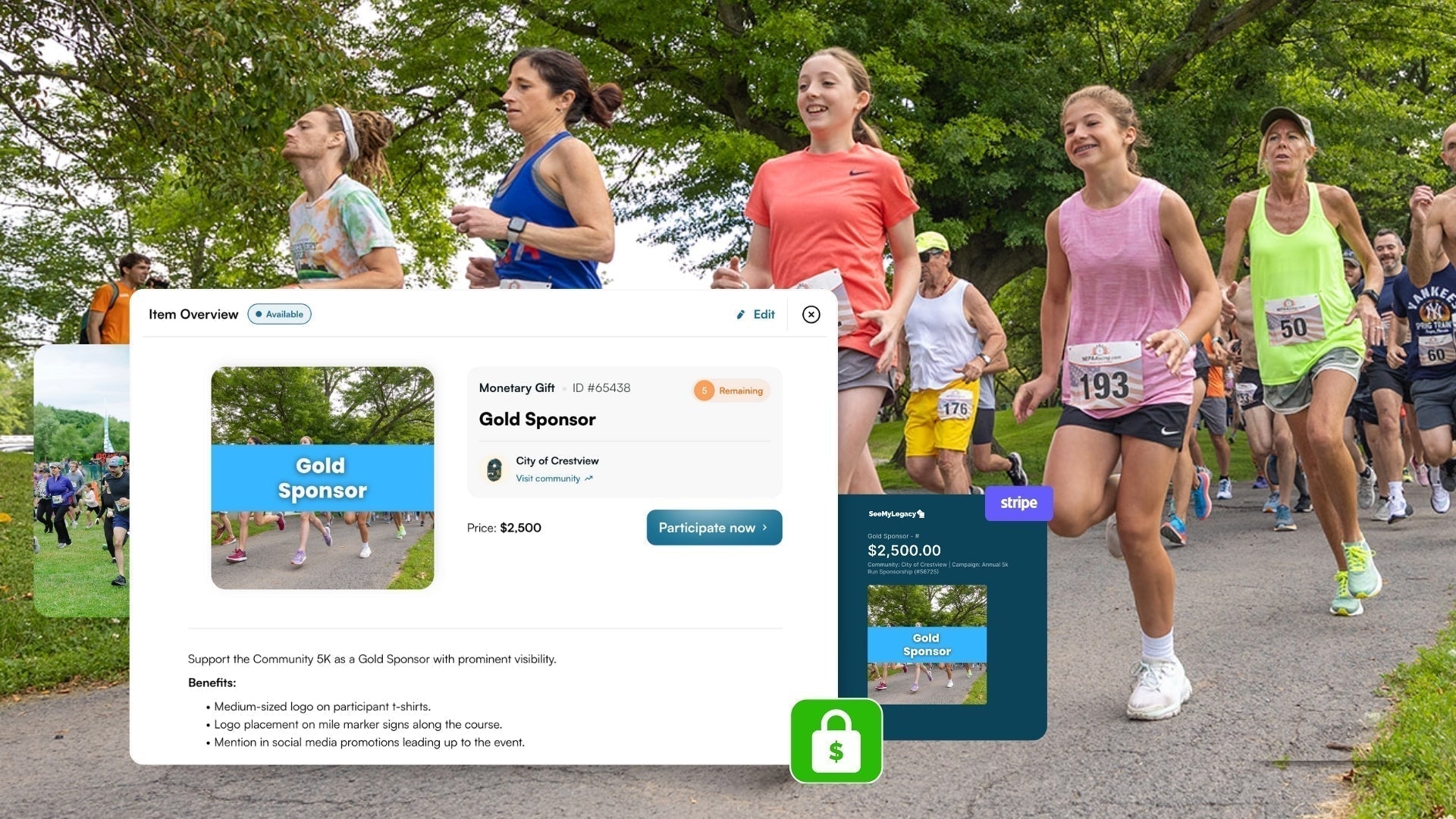
With SeeMyLegacy, organizers can create vendor options with their own prices, descriptions, quantities, and participation details.
Make the Booth Easy to PictureInstead of simply listing Vendor Space - $75, describe it as something like 10' x 10' Holiday Market Booth - $75 and explain what comes with the space. A little clarity upfront can prevent a lot of questions later. |
3. Build Your Vendor Application
The application should collect enough information to understand who is applying, what they plan to offer, and what their booth may require without overwhelming the vendor with unnecessary questions.
Start with basic business and contact information, then focus your custom questions on the details that help with approval and event planning.
- Vendor category and product or service description
- Website, social media, or product photos
- Electricity, booth, trailer, or special setup needs
- Required permits or documentation, when applicable
- Whether the vendor has participated before
Food vendors and specialty businesses may require additional information based on local rules.
With SeeMyLegacy, organizers can add custom application questions and collect supporting information through one Vendor Registration Campaign.
Ask Enough to Make a DecisionThe goal isn't to create the longest application possible. Your team mainly needs to understand: Who are they? → What are they bringing? → Does it fit the market? → What do they need? |
4. Review and Approve Vendors
Not every applicant needs to be automatically accepted. Reviewing applications can help protect the quality, variety, and balance of the market while making sure each vendor fits the available space and event expectations.
Consider the overall vendor category, what they're selling, whether similar products are already well represented, booth presentation, space needs, and any required documentation. For example, if several candle vendors have already been approved, your team may prioritize a different type of maker for the next available booth.
With SeeMyLegacy, organizers can use the Participant Approval Workflow to review applications before approving vendors and moving them forward in the participation process.
Build a Market, Not a Row of Duplicate BoothsEvery applicant may have a great business, but variety helps keep shoppers moving. A market that moves naturally between Jewelry → Food → Art → Nonprofit → Home Décor → Gifts can feel much more interesting than one dominated by a single product type. |
5. Promote Holiday Market Vendor Registration
Start recruitment early enough that businesses have time to apply, prepare inventory, and plan for the event. Go beyond a general announcement by directly inviting the kinds of vendors you want to see represented.
Promote the opportunity through your community website, social media, email lists, local business networks, maker communities, past vendors, and organizations such as Chambers, Main Streets, schools, or community groups.
With SeeMyLegacy, every recruitment channel can point vendors back to one central campaign where they can review participation options and apply online.
Holiday Market Vendor Recruitment Playbook
- Makers & Crafters: Highlight holiday shoppers and opportunities to showcase handmade gifts.
- Food + Treat Vendors: Emphasize seasonal traffic, warm drinks, snacks, and holiday favorites.
- Local Businesses: Show how the market can extend their visibility beyond the storefront.
- Nonprofits: Position the market as a way to share their mission, fundraise, or connect with residents.
- Past Vendors: Invite strong previous participants back early.
Don't only say “Vendor Applications Are Open.” Show vendors what kind of market you're building and why their business or organization would fit into it.
6. Organize Vendors and Prepare for Market Day
Once vendors are approved, use the information you've collected to build the market layout and prepare everyone for event day. Consider category, booth size, electricity, food preparation, accessibility, trailer access, and special setup needs when assigning spaces.
Try to create variety throughout the market instead of placing every similar vendor together. The vendor information you've already collected can become the foundation for booth assignments, market flow, and setup planning.
Before the event, send each vendor clear instructions so they know where to go and what to expect.
- Booth assignment and market map
- Setup and unloading time
- Parking instructions
- Electricity or special setup details
- Breakdown and cleanup expectations
With SeeMyLegacy, vendor information can stay centralized while organizers send emails and reminders leading up to market day.
The Vendor List Becomes the Market PlanOnce you know how many makers, food vendors, nonprofits, retailers, and specialty vendors are attending, the registration list becomes much more than a roster. It becomes the beginning of your booth layout, setup plan, and shopper experience. |
Ideas for Holiday Market Vendor Categories
Communities can mix and match vendor categories based on the type of market they want to create. Start with broad categories that are easy to understand, then add more specific options when they help with recruitment or organization.
- Craft + Jewelry: Handmade gifts, pottery, woodworking, jewelry, ornaments, candles, and textiles.
- Food + Treats: Baked goods, chocolates, coffee, specialty foods, packaged products, and seasonal treats.
- Home + Holiday: Wreaths, florals, décor, personalized gifts, artwork, and seasonal products.
- Local Business + Services: Retailers, wellness businesses, tourism organizations, and professional services.
- Community + Nonprofit: Schools, clubs, charities, museums, civic organizations, and local programs.
Other markets may add categories for clothing, kids and family products, pets, farm products, beauty and wellness, books, vintage goods, or interactive holiday experiences.
The strongest Holiday Market doesn't need every possible vendor type. It needs the right combination of vendors to make shoppers want to keep exploring.
Manage Holiday Market Vendor Registration with SeeMyLegacy
A successful Holiday Market Vendor Registration Campaign should make applying simple for vendors while giving organizers the information they need to build a balanced event.
With SeeMyLegacy, organizations can create a centralized Vendor Registration Campaign where businesses and organizations can review vendor options, choose how they'd like to participate, submit their information, and move through the registration process online.
A Simple Vendor Registration ExperienceDiscover the Market → Choose a Vendor Option → Submit an Application → Get Approved → Complete Payment → Prepare for Market Day |
Organizers can use SeeMyLegacy to create multiple vendor categories, add booth options and pricing, ask custom application questions, collect supporting files, review applications, approve vendors, collect online payments, track payment status, and keep vendor records organized.
Holiday Market Vendor Registration can also work alongside sponsorships, volunteer sign-ups, ticketing, holiday contests, Christmas activities, and other event campaigns.
Build a Holiday Market People Want to Explore
A great Holiday Market isn't simply a collection of booths. It's a thoughtful mix of products, food, businesses, organizations, and experiences.
Create clear vendor options. Recruit a variety of participants. Review applications intentionally. Organize the layout thoughtfully. Then give every approved vendor the information they need to succeed.
Launch your Holiday Market Vendor Registration with SeeMyLegacy and start building the market before the first booth is ever set up.
|
Ready to Build Your Bring vendor categories, applications, approvals, payments, communication, and market-day organization together in one centralized campaign. |