


Set Up Guide
Registration & Voting Campaigns

Program Overview: Community voting campaigns are one of the most effective ways to activate participation while raising funds for meaningful causes. From pet mayor contests and local awards to talent competitions and community recognition programs, a two-stage campaign structure helps organizers manage submissions, showcase participants, and drive community voting.
This model separates the process into two phases: Candidate Registration followed by Community Voting. Participants first submit their entry to be considered. Once registrations close, the approved candidates become participation options in a voting campaign where the community can cast votes—often through donation-based voting.
Using this approach keeps campaigns organized while giving participants and voters a familiar, intuitive experience.

Set Up Guide for Managing Registration & Voting Campaigns
1. Start with a Candidate Registration Campaign
The first campaign collects submissions from individuals who want to participate in the contest or be considered as candidates. This phase focuses entirely on collecting information and building a strong pool of participants.
Define the Program Structure
Before opening registration, clearly outline:
- Who is eligible to participate
- Submission deadlines
- What information participants must provide
- Whether submissions will be reviewed before voting
- The timeline for when voting will begin
Design a Detailed Registration Form
The registration campaign typically collects the most detailed information. These details help create compelling candidate profiles for the voting phase.
- Participant name and contact information
- Entry name or nominee name
- Short biography or description
- Why they should win
- Photo or media upload
- Community affiliation
- Agreement to contest rules
💡 Did You KnowWith SeeMyLegacy’s Customizable Registration Forms, you can capture basic details, photos, documents, biographies, and signatures directly during submission. |
2. Build the Community Voting Campaign
Once registration closes, the next step is launching the voting campaign where the community can support their favorite participants.
Create Participation Options for Each Candidate
Each approved candidate becomes a participation option in the voting campaign.
- Candidate name
- Photo or visual
- Campaign message
- Voting donation options
This creates a dedicated platform where each participant can showcase their story and encourage supporters to vote.
Use Donation-Based Voting
Many communities use a simple model where $1 equals 1 vote. This approach encourages engagement while supporting fundraising goals.
- $1 = 1 vote
- $5 = 5 votes
- $20 = 20 votes
- $50 = 50 votes
💡 Did You KnowSeeMyLegacy automatically tracks votes through secure online payment processing. Every donation is recorded and tied to the selected candidate, eliminating manual vote counting. |
3. Customize Forms for Each Campaign
While both campaigns use registration forms, the data collected during each phase serves a different purpose.
Candidate Registration Form
- Participant contact information
- Entry name
- Biography or description
- Photo upload
- Campaign message
- Community affiliation
Voting Campaign Form
The voting form should remain simple to encourage participation.
- Voter name
- Email address
- Optional message of support
- Payment information
💡 Did You KnowSeeMyLegacy’s form builder allows you to create different data fields for each campaign or participation option, ensuring registration captures detailed participant information while voting forms remain quick and easy for supporters. |
4. Promote Your Campaign for Maximum Participation
Promotion plays a critical role in the success of both the registration and voting phases.
- Announce the program through social media
- Share registration deadlines
- Introduce candidates
- Encourage participants to share their campaign
- Highlight fundraising milestones
💡 Did You KnowSeeMyLegacy campaign pages are designed to be mobile-friendly and easily shareable, helping participants promote their entry across social media and email. |
5. Announce Campaign Milestones
- Registration opening
- Registration closing
- Candidate introductions
- Voting deadlines
- Fundraising milestones
- The final winner
💡 Did You KnowSeeMyLegacy makes it easy to update campaign pages and publish announcements so participants and voters always have the latest information. |
See It In Action with Downtown MeridianExplore how Downtown Meridian used a two-step campaign structure to run a fun and successful community voting event. |
Launch Your Own Registration & Voting CampaignSee how SeeMyLegacy can help you organize, promote, and manage your community campaigns. |
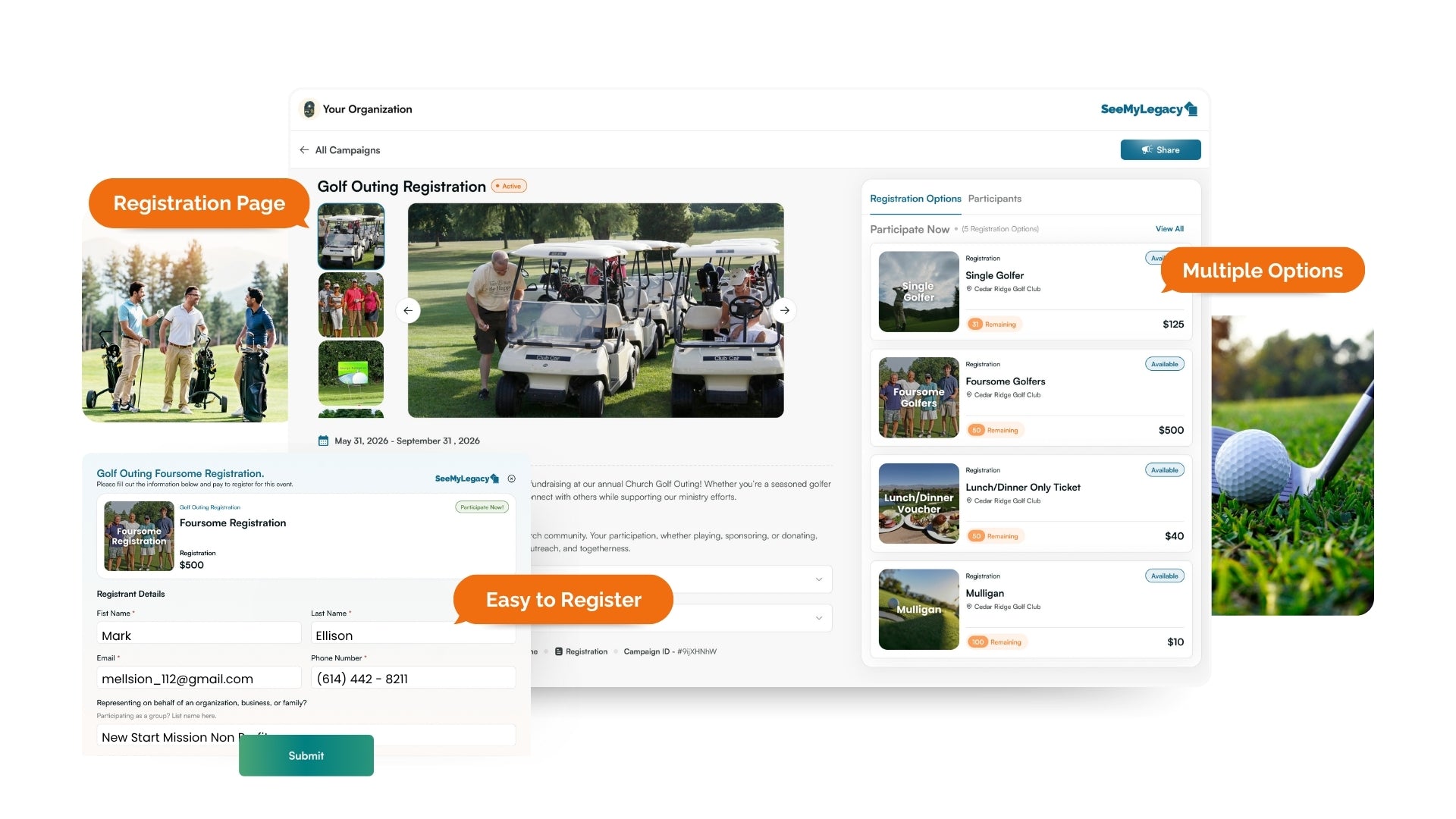
 Online Registration Webpages